Preferences : Introduction
Preferences
 Introduction
Y ou can customize the look and feel of your computer with BeOS preference applications. You may already have configured the preferences that underlie BeOS network and media applications as described in the previous two chapters. The rest of the preferences are covered in this chapter.
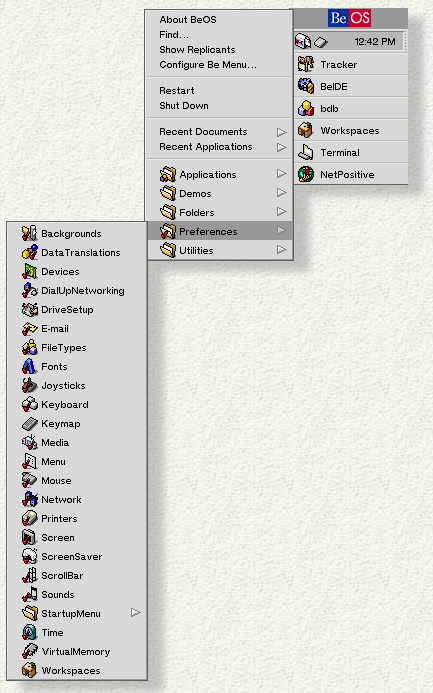
Preference applications can be accessed by selecting the Preferences folder from the open the Be Menu, as shown here.